Profile & Support
Profile menu
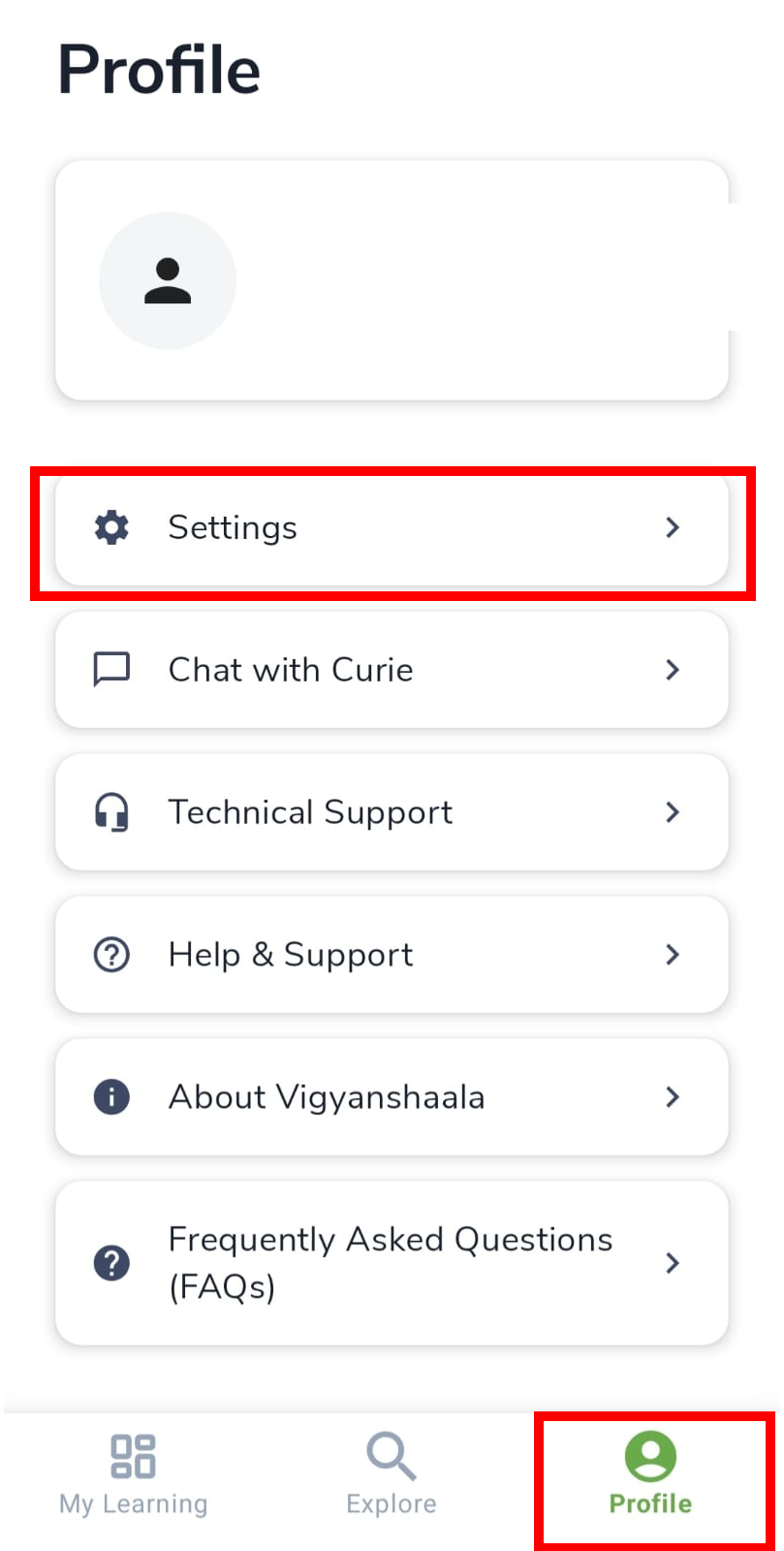
Tap Profile in the bottom navigation to manage your account, settings, and help. This menu is the starting point for editing your details, getting support, or logging out.
| Option | What it is for |
|---|---|
| Settings | Account, video, calendar, log out |
| Chat with Curie | In-app chat help |
| Technical Support / Help & Support | Get help |
| About VigyanShaala | Terms, privacy, contact |
| FAQs | Common questions |
| Log Out | Sign out |
Edit profile
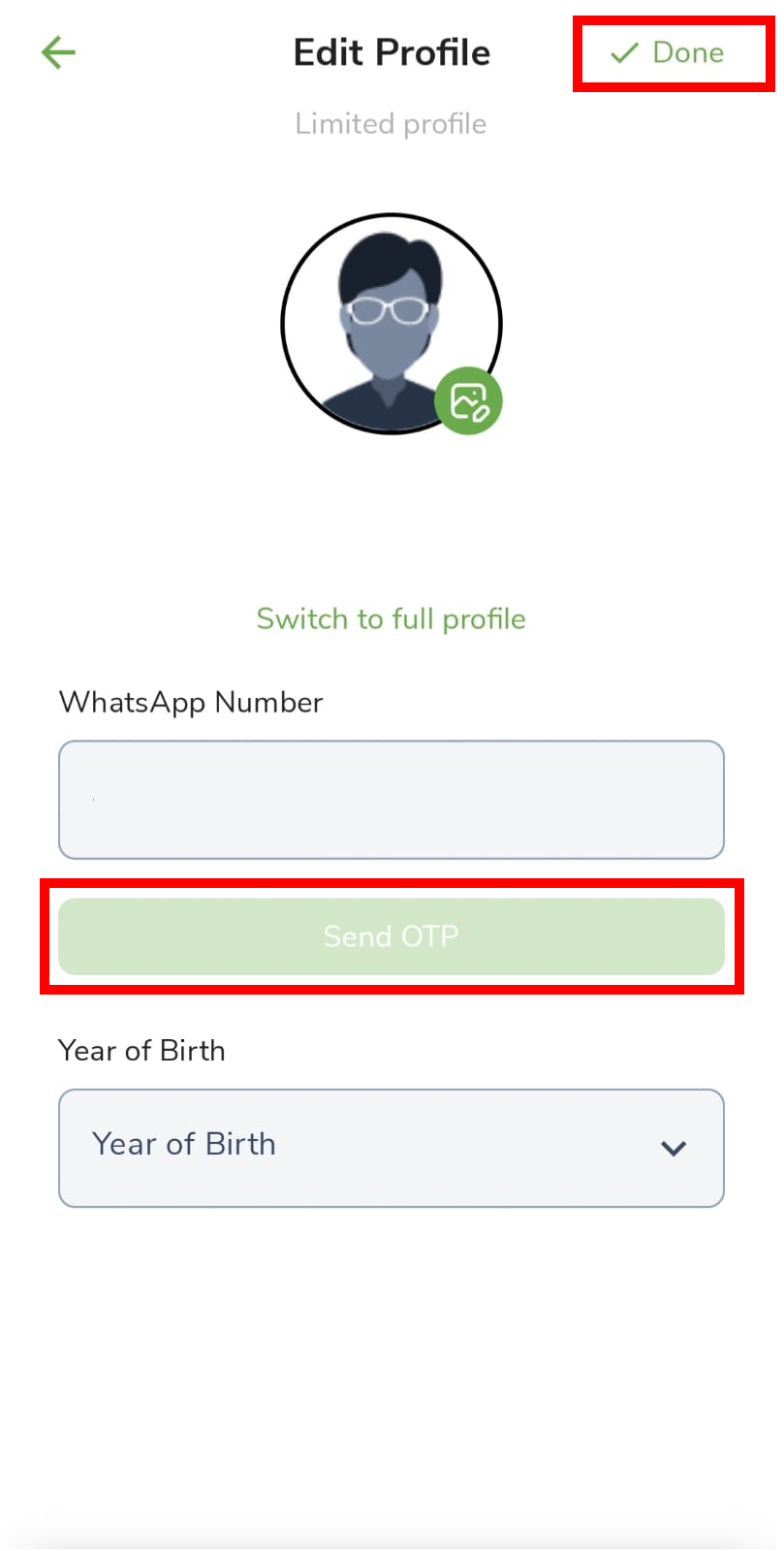
Edit Profile is where you change your photo, name, and WhatsApp number. Save with Done. Verifying WhatsApp helps you get reminders.
- Tap the green pencil on Profile (or Settings → Manage Account → Edit Profile).
- Change your photo, verify WhatsApp (enter number → Send OTP → enter code), and tap Done to save.
Settings
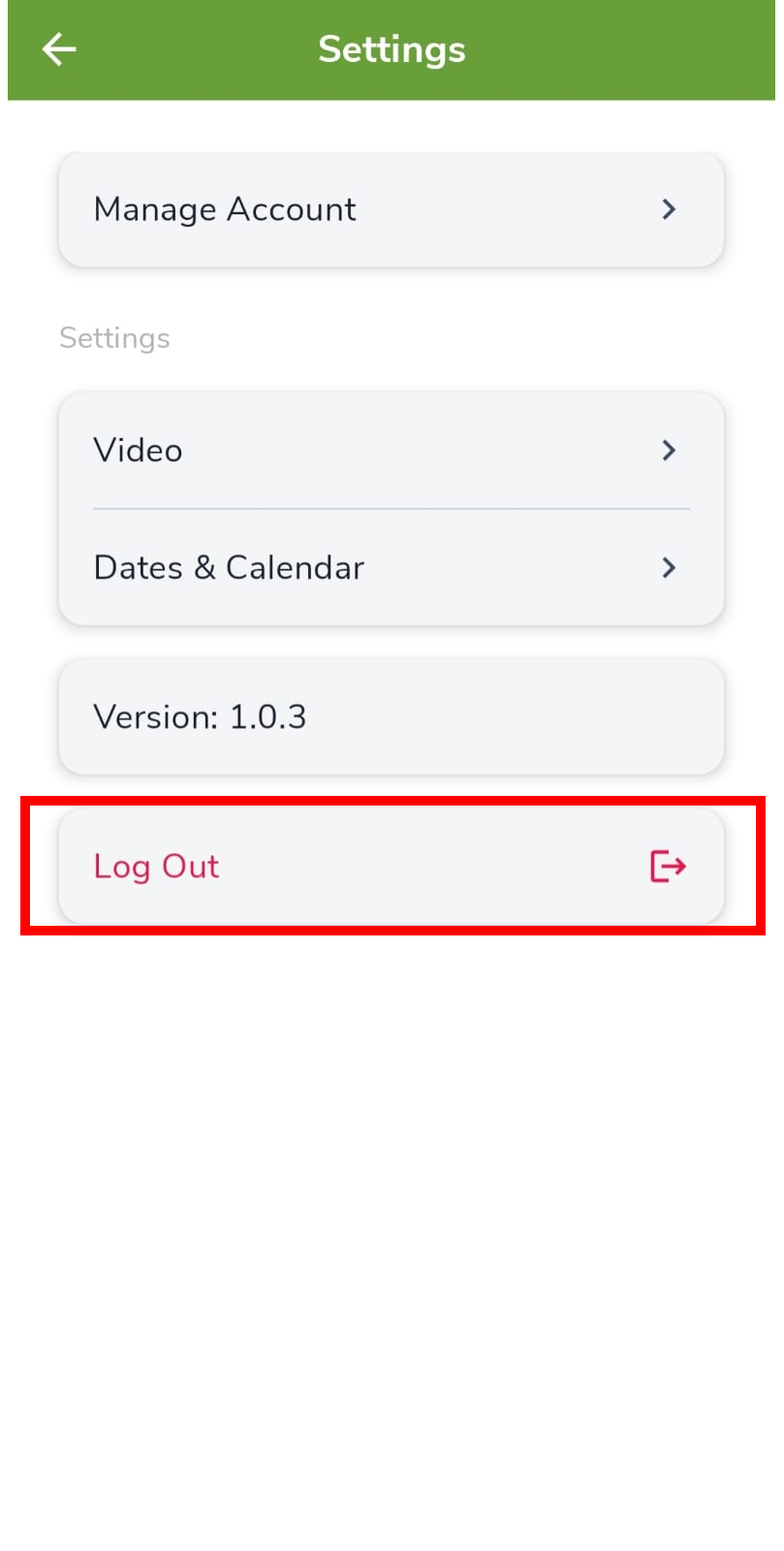
Settings groups account, video, and calendar options in one place. Open it from the Profile menu.
- Manage Account — edit profile or delete account
- Video — streaming and download quality
- Dates & Calendar — calendar sync
- Log Out
Video settings
Video settings control how lessons stream and download. Use Wi-fi only download if you want to avoid using mobile data. Auto quality is a good default.
- Settings → Video → set Wi-fi only download, streaming quality, and download quality (Auto recommended).

Dates & Calendar
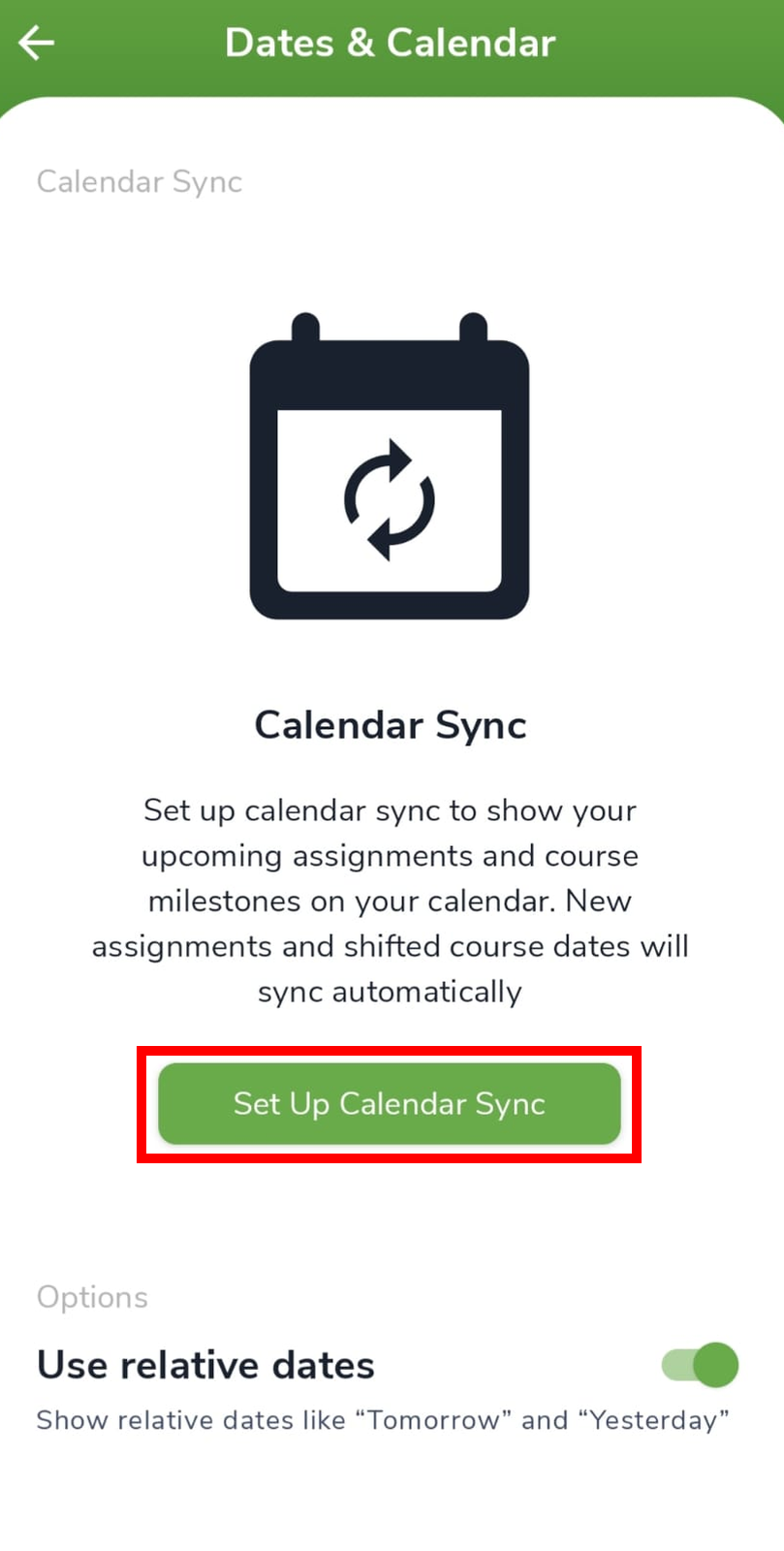
Dates & Calendar can add program dates (such as live sessions) to the calendar app on your phone so you get reminders outside this app.
- Settings → Dates & Calendar → Set Up Calendar Sync.
About VigyanShaala
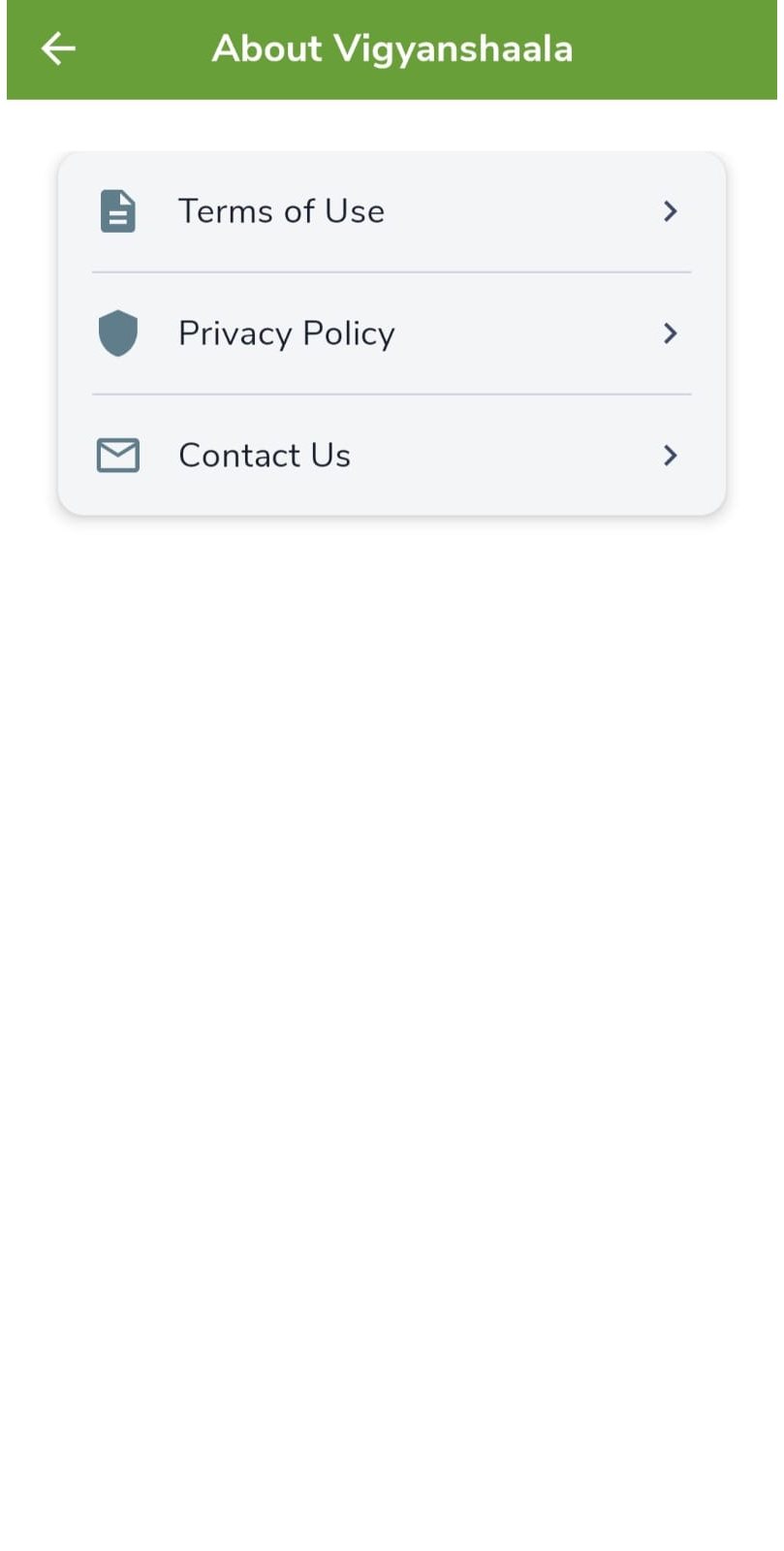
About VigyanShaala has the legal pages and contact details for the app. Open Terms of Use, Privacy Policy, or Contact Us when you need them.
- Terms of Use, Privacy Policy, or Contact Us.
Log out
Log Out ends your session on this phone. Your account stays active. You can log in again any time with the same email and password (or Google).
- Profile → Log Out, or Settings → Log Out.