Explore Programs
Browse and open a program
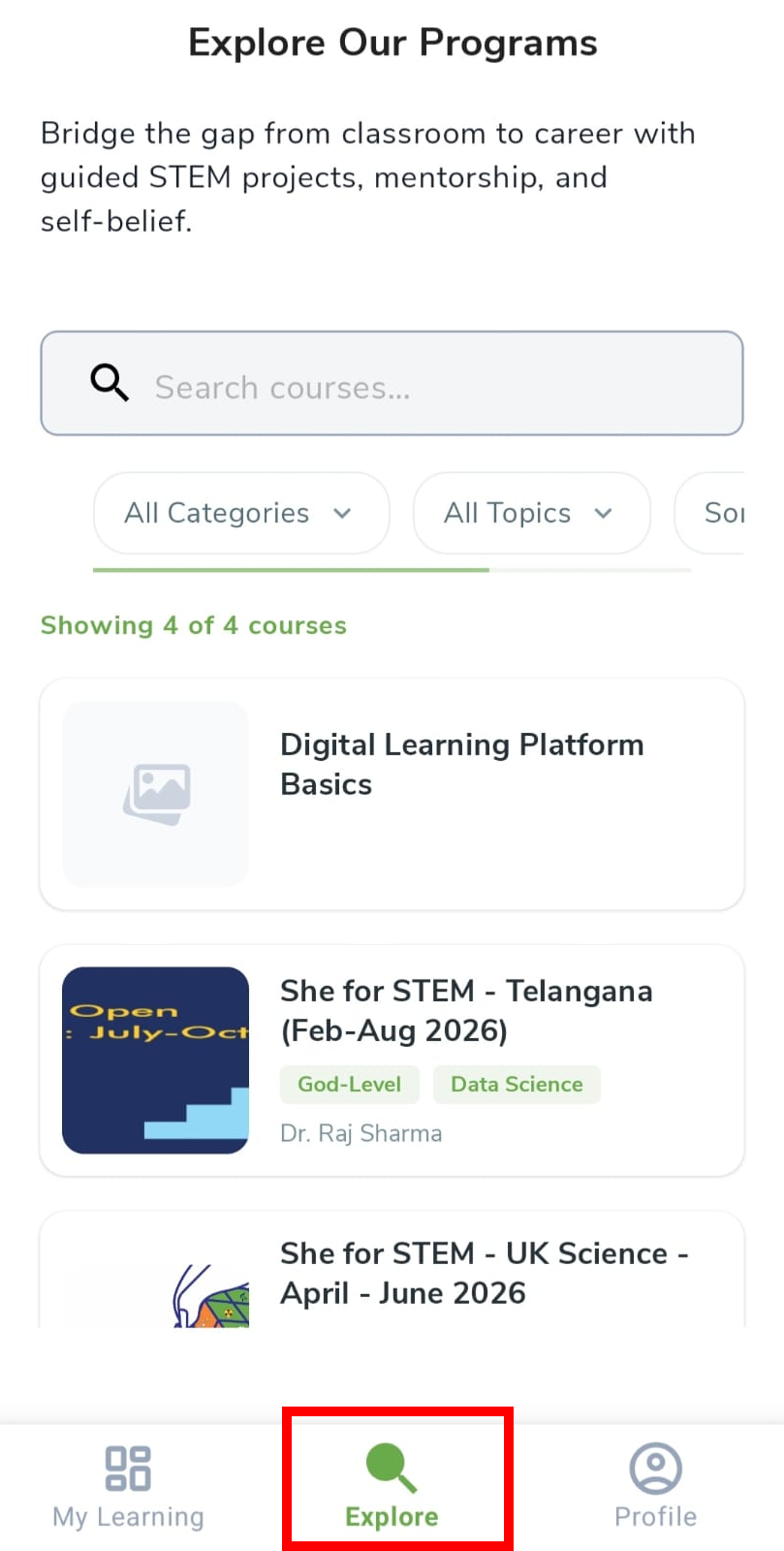
After you log in, use the Explore tab at the bottom to find programs. Search or filter, then tap a card to open the details.
- Tap Explore in the bottom navigation.
- Use Search courses…, Categories, Topics, and Sort to filter.
- Tap a program card to open its details.
Programs and courses
In this guide we say program. In the app you may still see Course — both mean the same offering.
Read program details
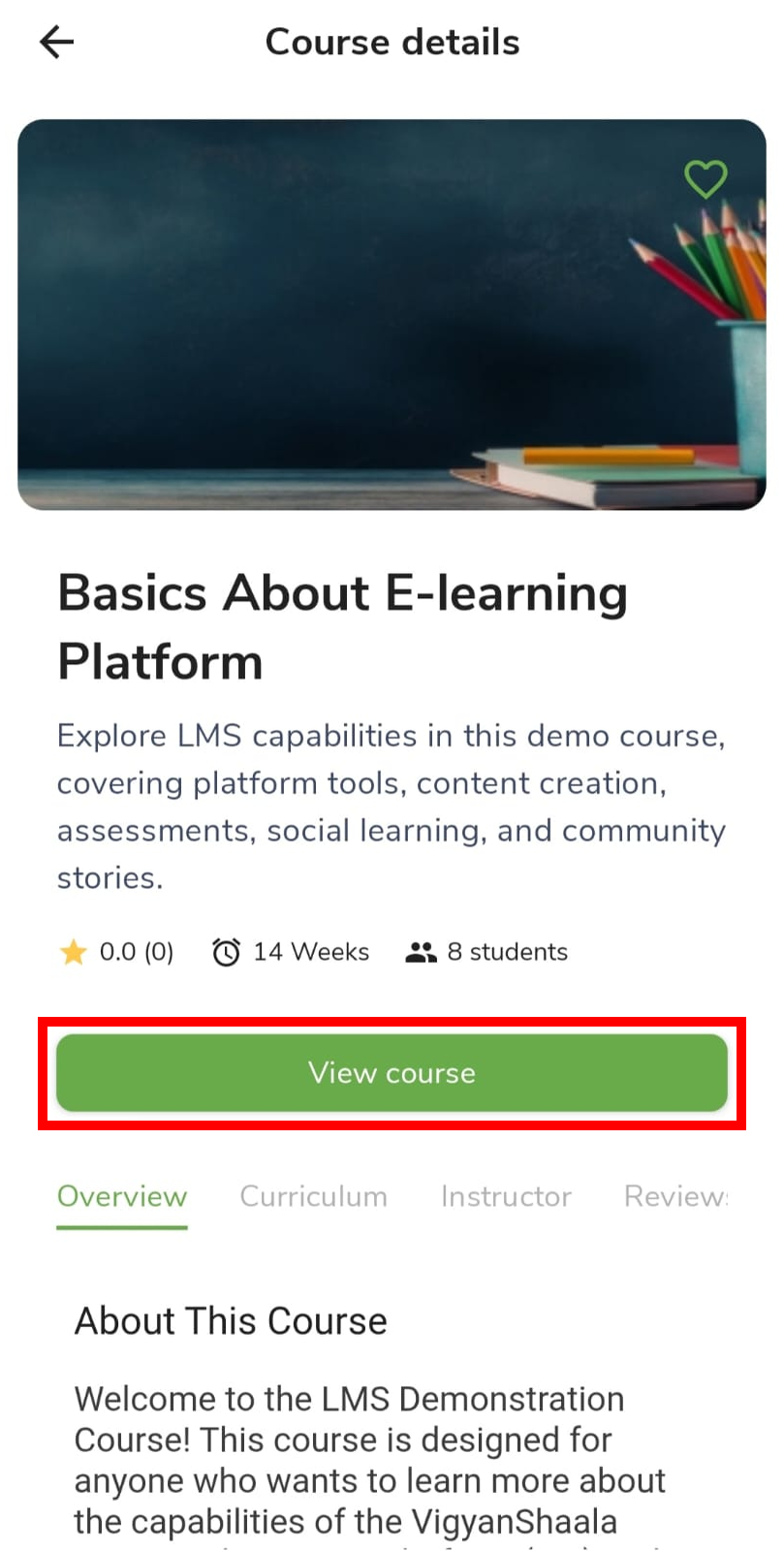
The details screen explains what you will learn, who teaches, and what other learners said. Read it before you tap Apply Now.
| Tab | What it is for |
|---|---|
| Overview | What the program is about |
| Curriculum | Lessons and topics |
| Instructor | Who teaches or mentors |
| Review | Ratings and comments |
- Tap the heart to save to your wishlist on My Learning.
- Tap Apply Now or Enroll to join — see Apply to a Program.
- Tap View course when you have already joined.